
Website Security Risks 2025 : How to Protect Your Business
Website security is something most business owners only think about after something goes wrong, by which point the damage is done. The…
For most business owners, website security only comes to mind after something goes wrong. By then, the damage, whether a hacked site, stolen data or days of downtime, is already done. The good news is that keeping a website secure is mostly about a handful of sensible, consistent habits rather than deep technical expertise. This guide explains what matters most and how to tell whether your site is genuinely protected.
A compromised website is far more than an inconvenience. It can expose customer information, damage the trust you have built, and get your site flagged with security warnings that frighten visitors away and harm your search rankings. Recovering from an attack is stressful and often expensive, and some businesses never fully regain the traffic they lose. Treating security as ongoing maintenance, rather than an afterthought, protects both your reputation and your revenue.
The single most common way websites are hacked is through outdated software with known vulnerabilities. Once a flaw is published, automated bots scan the web looking for sites that have not yet patched it. Keeping your platform, themes and plugins promptly updated closes these doors before attackers can use them. It is unglamorous work, but staying current is the most effective single thing you can do to keep your site safe.
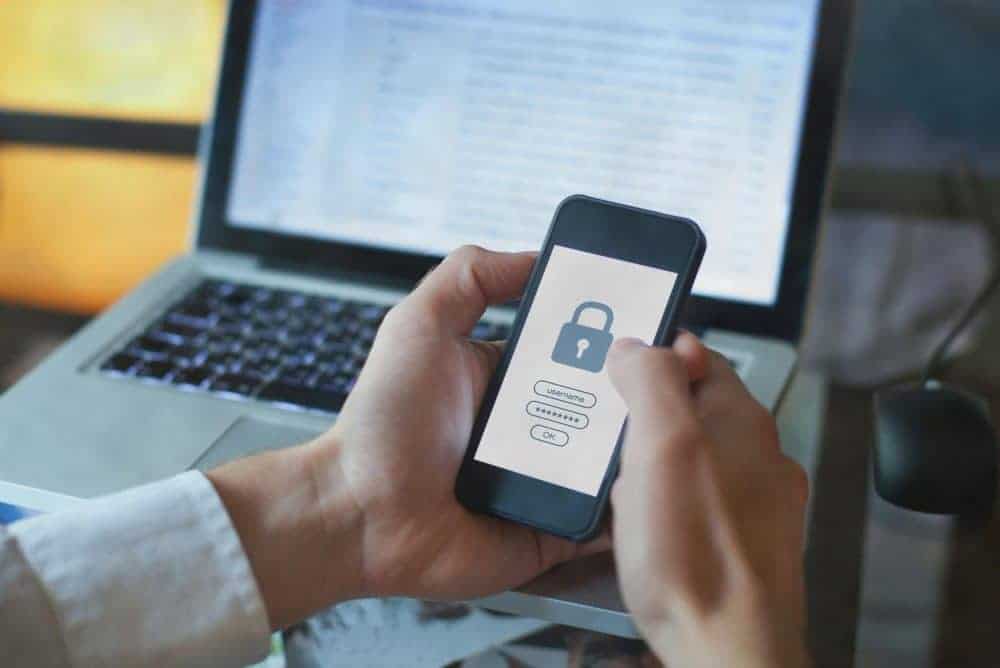
Weak or reused passwords are an open invitation. Use strong, unique passwords for every account, enable two-factor authentication where possible, and avoid generic usernames like admin. Just as importantly, only give people the level of access they actually need, and remove accounts for anyone who no longer works with you. Tightening who can get in, and how, removes one of the easiest routes an attacker can take.
An SSL certificate encrypts the connection between your site and its visitors, shown by the padlock in the browser, and is now expected by both customers and search engines. Beyond that, a security plugin or firewall can block malicious traffic, monitor for suspicious activity and add another barrier between your site and the threats constantly probing it. These layers work quietly in the background to stop problems before they start.
Even a well-protected site can run into trouble, so reliable backups are your safety net. Make sure your site is backed up regularly and that the backups are stored somewhere separate from the site itself. Crucially, test that a backup can actually be restored, because an untested backup is only a hope. With good backups in place, even a serious problem becomes a recoverable inconvenience rather than a disaster.
Catching issues early limits the damage. Be alert to sudden slowdowns, unexpected pop-ups or content you did not add, browser warnings about your site being unsafe, or unfamiliar user accounts appearing in your dashboard. A sharp, unexplained drop in traffic can also point to a security issue. If you notice any of these, act quickly: the sooner a problem is found and fixed, the less it costs you in trust, traffic and time.
If the worst happens, acting quickly limits the damage. Take the site offline or into maintenance mode if you can, so visitors are not exposed to malicious content, then change all relevant passwords immediately. Restore from a clean, recent backup if you have one, and update every piece of software to close the vulnerability that allowed the breach. Scan thoroughly to confirm nothing malicious remains, and if customer data may have been affected, be transparent about it. If you are unsure, bring in a professional, because a partial clean-up that leaves a hidden backdoor often leads straight back to another attack.
Much of website security is within reach of a capable owner: updates, strong passwords, SSL and backups do not require deep expertise, only consistency. The difficulty is that security is easy to deprioritise when business gets busy, which is precisely when neglect creeps in. Many owners find that a managed maintenance arrangement, where updates, monitoring and backups are handled reliably on their behalf, is well worth it for the peace of mind and the time it frees up. The right choice depends on how confident you are and how much the site matters to your business.
The most secure websites are not the ones with the fanciest tools; they are the ones that are looked after consistently. Build a simple, repeatable routine: apply updates promptly, confirm backups are running and restorable, review security alerts, and check periodically that everything is working as it should. Treating these as regular maintenance rather than occasional firefighting keeps small issues from becoming serious ones. Security is far less about reacting to threats and far more about steady, unglamorous habits that quietly keep your site, and your customers, safe.
Use this short checklist to gauge how protected your site really is. Are your platform, themes and plugins all up to date? Do you use strong, unique passwords with two-factor authentication enabled? Is an SSL certificate active, shown by the padlock in the browser? Is a security plugin or firewall in place to block malicious traffic? Are backups running automatically, stored off-site, and tested so you know they can be restored? Have you removed any user accounts that are no longer needed? If you can answer yes to all of these, your site is in good shape. Wherever the answer is no, you have found exactly where to focus next.
Keep reading
Other pieces on the same sort of problem, written out of the work we do for Australian businesses.
Send us your website and we will come back with the specific things we would change and why, in plain English. No pitch deck, no obligation, and you keep the notes either way.
Rated 5.0 from 100+ Google reviews. No lock in contracts, ever.