
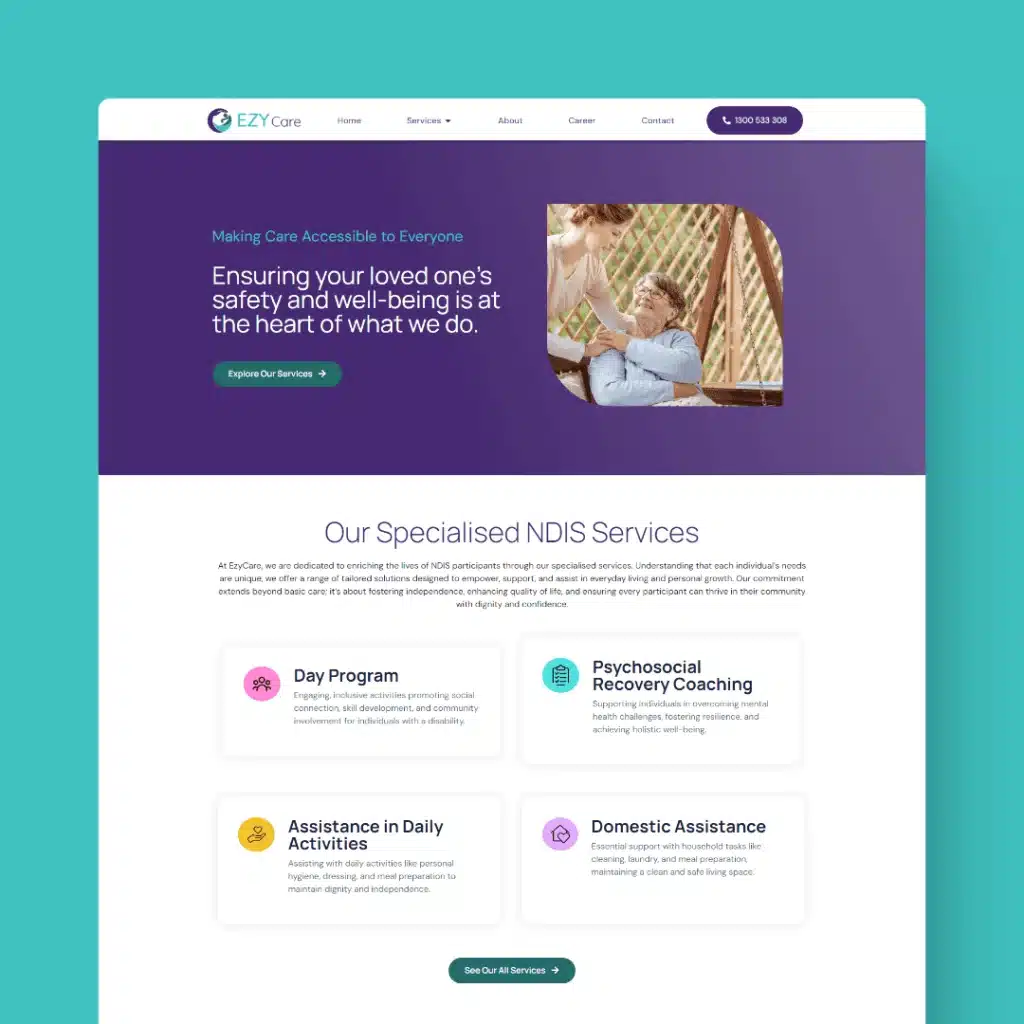
Disability Support Services Website Design
For disability support services, a website is far more than a marketing tool; it is a point of access for people who…

It is easy to treat your website as “set and forget”, until something breaks. But skipping website maintenance quietly costs businesses money, customers and reputation long before any obvious problem appears. Like a car, a website needs regular servicing to stay safe and fast. At MindSite Web Services, we help Sydney businesses avoid the expensive consequences of neglect.
Maintenance is the routine care that keeps a site secure, fast and accurate. It typically includes:
Neglect rarely announces itself, the damage builds up:
Skipping maintenance feels like a saving, but it usually just delays a bigger bill. Emergency fixes, malware clean-ups and rebuilds after a hack cost far more, in money and lost sales, than steady, planned upkeep. Prevention is almost always cheaper than the cure.
Automated bots constantly scan the web for sites running outdated software. You do not have to be a big target, you just have to be vulnerable. A single missed update can be the gap an attacker uses. Regular patching closes those gaps before they are exploited, protecting both your business and your customers’ data.
If you have invested in web design and SEO, maintenance is how you protect that investment. Google rewards fast, secure, error-free sites and quietly penalises slow or broken ones. Letting a site decay undoes the ranking progress you paid for.
Maintenance is important but it should not be your job. The simplest solution is a managed plan, where a dedicated team handles updates, backups and monitoring for you, the role we describe as being your local digital assistant. You get peace of mind and a site that keeps performing, without adding another task to your week.
Not all maintenance is equal, so it helps to know what a thorough plan should cover. At the foundation are regular software updates. Your content management system, themes and plugins all receive frequent security and stability patches, and applying them promptly is the single most effective way to keep a site safe. Alongside updates, a good plan includes scheduled backups stored safely off the server, so that whatever happens, your site can be restored quickly rather than rebuilt from scratch.
A strong plan also includes security monitoring and scanning to catch threats early, uptime monitoring so you know immediately if the site goes down, and performance checks to keep pages loading fast as content grows. Broken links and errors are found and fixed before they frustrate visitors or harm your search ranking. Beyond the technical basics, the best plans include a set amount of content support each month, so small changes like updating details, prices or offers actually get done rather than piling up. Finally, you should have a real person to contact when you need help, not a faceless queue. Together, these elements turn maintenance from a vague worry into quiet peace of mind. Your site stays secure, fast and current, your investment is protected, and you are free to get on with running your business rather than worrying about the technology behind it.
One of the most common questions business owners ask is how often a website actually needs attention. The honest answer is that maintenance is not a once-a-year job. The most reliable approach is a steady rhythm of small, regular tasks, because problems caught early are almost always cheaper and less disruptive than problems left to grow. A practical schedule looks something like this, with the heaviest items handled for you under a managed plan.
Weekly, your site should be backed up and key plugins, themes and core software updated promptly, since outdated software is the single most common way sites get hacked. Around the same cadence, it is worth a quick check that the site is loading, that forms are arriving and that nothing obvious has broken. Monthly, a closer look pays off. Review security scans, check that backups are actually restorable rather than just running, and scan for broken links or pages that have started loading slowly. Quarterly, step back and look at the bigger picture, reviewing performance, checking that content and contact details are still accurate, and confirming the site still reflects what your business offers. This layered approach means nothing important is left unattended for long. For most owners, the smartest move is to hand the routine work to a managed maintenance plan so it happens consistently, rather than relying on remembering to do it, because the value of maintenance comes entirely from it being done regularly.
Core updates and monitoring should happen at least monthly, with security patches applied promptly as they are released. Busy or e-commerce sites benefit from more frequent attention.
Yes. Most serious issues, especially security vulnerabilities, are invisible until they cause damage. “Seems fine” is not the same as “is secure.”
Far less than recovering from a hack or rebuilding a neglected site. Plans scale to your site’s size and needs, we will recommend the right level for you.
Do not wait for a crash or a hack to take maintenance seriously. Contact MindSite Web Services or call 02 9161 1696 to set up a maintenance plan that keeps your site secure, fast and working.
Keep reading
Other pieces on the same sort of problem, written out of the work we do for Australian businesses.

Send us your website and we will come back with the specific things we would change and why, in plain English. No pitch deck, no obligation, and you keep the notes either way.
Rated 5.0 from 100+ Google reviews. No lock in contracts, ever.