

Unlocking Success: SEO For NDIS Providers
For NDIS providers, being found online is increasingly how new participants and referrals arrive. When someone needs a support, they search, and…
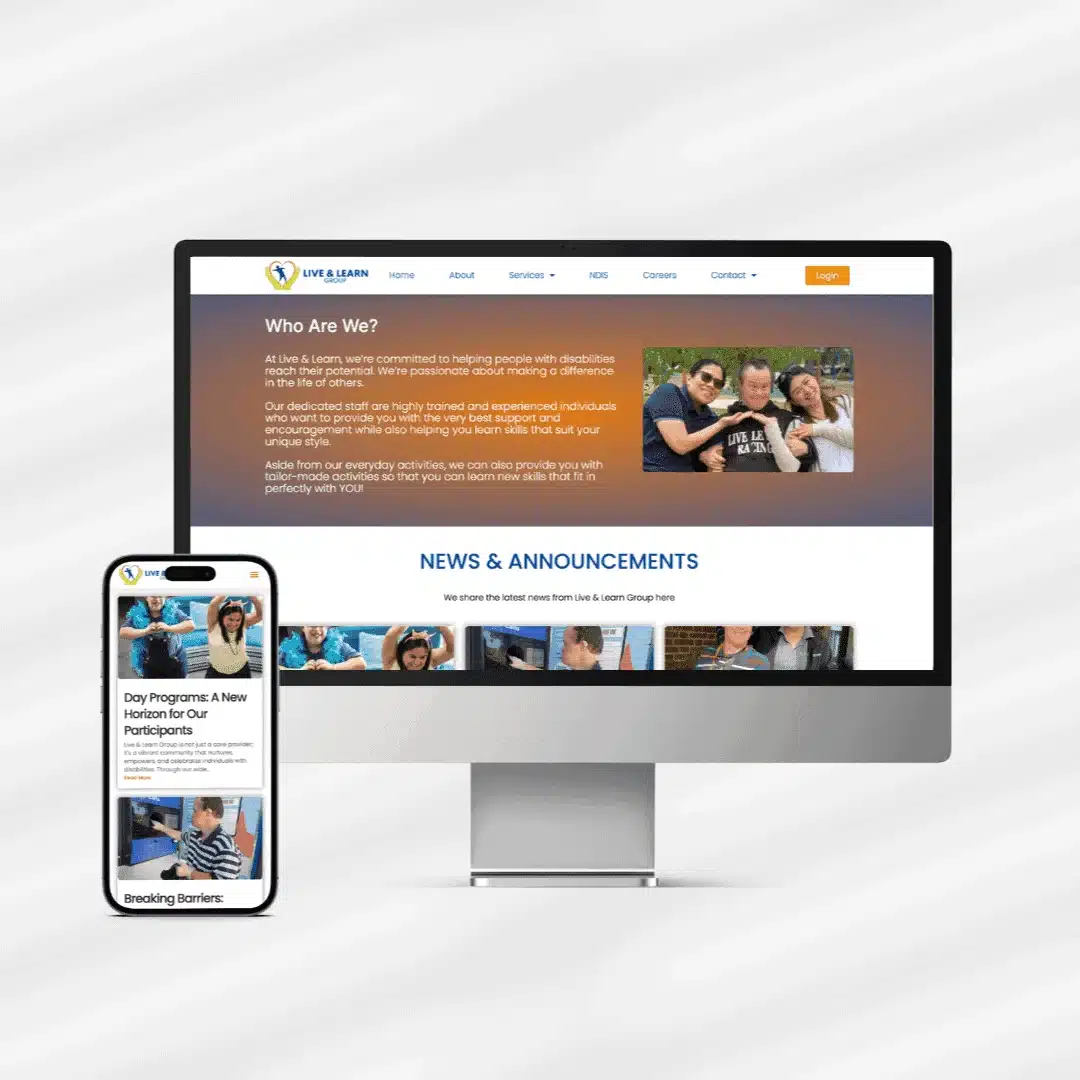
A great NDIS website is not about flashy design, it is about clarity, accessibility and trust. These practical web design tips for NDIS providers will help you build (or improve) a site that participants, families and support coordinators can actually use and act on. At MindSite Web Services, these are the principles we apply to every NDIS site we build in Sydney.
Your audience includes people with disability, so accessibility is non-negotiable. Use strong colour contrast, readable text that can be resized, keyboard-friendly navigation, descriptive alt text and clear form labels. Aim for WCAG 2.1 AA. For a deeper look, see our guide to inclusive NDIS website design.
Skip the jargon. Explain your supports the way you would to a participant sitting across from you. Short sentences, simple words and clear headings help everyone, including people with cognitive disability and those for whom English is a second language.
Visitors should understand what you offer within seconds. List your supports plainly, ideally mapped to NDIS categories, and give each its own clear explanation. Vague “we do everything” messaging makes coordinators move on.
Most visitors arrive on a phone. Your site must look and work beautifully on small screens, large tap targets, readable text without zooming, and a menu that is easy to use one-handed.
Every page should make it obvious how to enquire or refer. A visible phone number, a simple form and a clear referral pathway remove friction at the exact moment someone decides to act.
Introduce your team, share your values, and include genuine testimonials or stories (with consent). Trust signals reassure families and coordinators that you are credible and caring.
A slow site frustrates users and hurts your Google ranking. Optimise images, use good hosting and keep the design lean so pages load quickly, even on mobile data.
If participants cannot find your site, the design does not matter. Use clear page titles, helpful headings and locally relevant content so you appear when people search for supports in your area.
An outdated site with broken links or security warnings damages trust. Regular maintenance keeps your site safe, fast and accurate, which is why we include ongoing support with our builds.
A designer who understands the NDIS will get accessibility, tone and structure right from the start. Our full NDIS website design service is built around these exact principles, on top of a strong web design foundation.
Even sites that follow the tips above can be let down by a few common oversights. Keep an eye out for these:
The common thread is empathy: a great NDIS website is built around the people who use it, not around what looks good in a portfolio. Test your site the way your visitors will, on a phone, with the keyboard alone, and with screen-reader behaviour in mind, and keep it current once it is live. Get those habits right and the practical tips above translate into a site that genuinely serves your participants and steadily brings in enquiries.
Knowing what makes a strong NDIS website is one thing. Actually improving yours is another, and the trick is to avoid trying to do everything at once. Start with a quick, honest review of your current site against the points above. Open it on your phone, because that is how most participants and families will see it, and ask yourself a few simple questions. Can a visitor understand what you offer within a few seconds? Is it obvious how to contact or refer to you from any page? Does it load quickly, and does it work well for someone using assistive technology?
Wherever the answer is no, you have found your priorities. Tackle the highest-impact fixes first. Usually that means clarifying your service descriptions, making your contact and referral options unmistakable, and resolving any accessibility or mobile issues that quietly turn people away. Once those foundations are solid, move on to visibility, making sure your key services and the areas you serve appear clearly so nearby participants can find you in search. Then build the habit of small, regular improvements rather than occasional big overhauls. Add a participant story, refresh a service page, gather a fresh review. None of this requires a complete rebuild or a large budget. It requires a clear sense of what matters most to your visitors and the discipline to improve steadily. Do that, and your website becomes a dependable source of enquiries that grows alongside your service.
Accessibility, closely followed by clarity. If every visitor can use your site and instantly understand your services, you are most of the way there.
Enough to clearly explain your services, your team and how to make contact, quality and clarity matter far more than page count.
Yes. Many of these improvements, accessibility, clearer copy, faster loading, can be applied to your current site without a full rebuild.
Want a hand applying these principles to your NDIS website? Contact MindSite Web Services or call 02 9161 1696. We will help you build a site that is accessible, clear and built to convert.
Keep reading
Other pieces on the same sort of problem, written out of the work we do for Australian businesses.


Send us your website and we will come back with the specific things we would change and why, in plain English. No pitch deck, no obligation, and you keep the notes either way.
Rated 5.0 from 100+ Google reviews. No lock in contracts, ever.